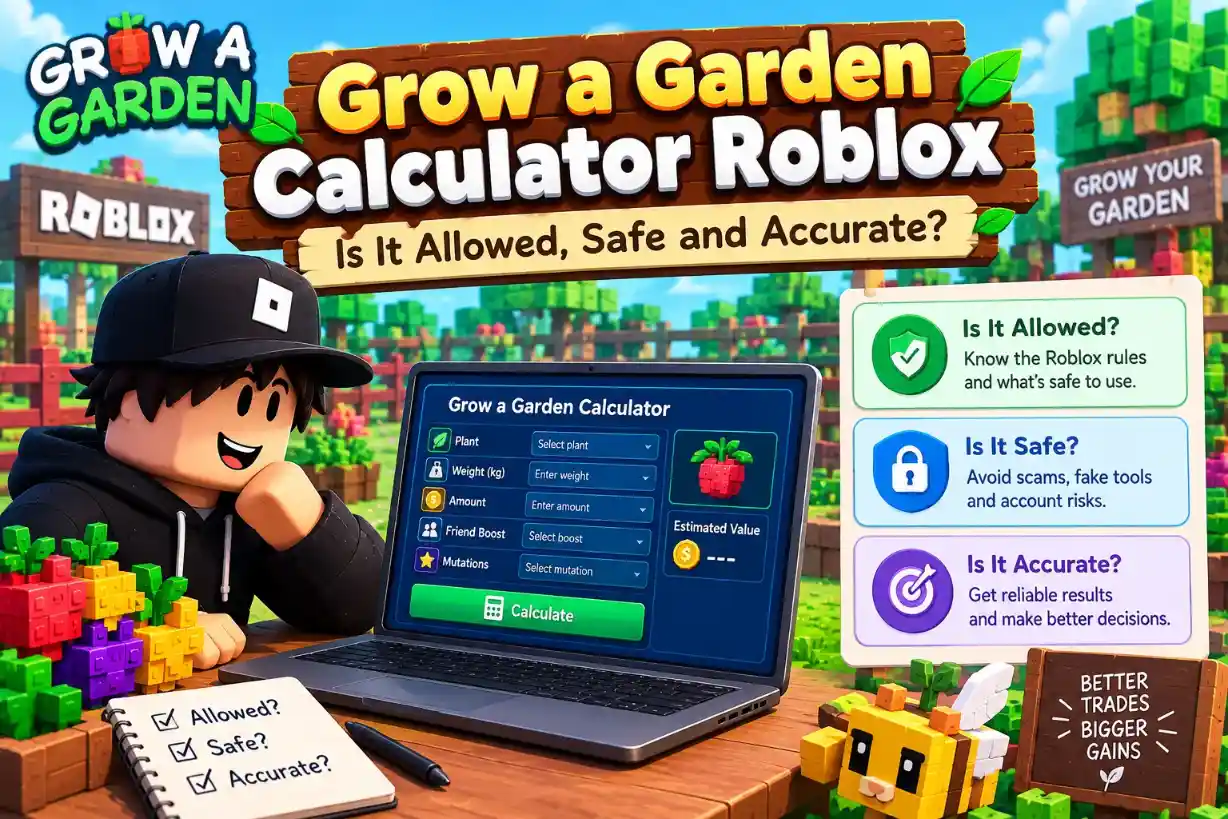
Before you trust any outside tool, it is smart to ask if it is allowed and safe. That goes double for a Grow a Garden calculator Roblox players find online.
This guide covers what Roblox's rules say, how a browser calculator works, and how to spot an unsafe one. It is not an official ruling from Roblox, so read the rules yourself too. You can run your own numbers in our free tools as you read.
Are Grow a Garden Calculators Allowed in Roblox?
Roblox publishes rules about cheating, scams and trading, but none of the pages we checked mention calculators. So the honest answer comes from what those rules ban and whether a calculator does it.
The Short Answer
We found no Roblox rule that names, allows or bans a website that only takes numbers you type and gives you a result. A Grow a Garden calculator Roblox players use is a separate website, not part of the game.
It does not change the game, read your account or run for you
Roblox bans exploits, scams and some off-platform sales, and a typed-number calculator does none of those
This is not an official ruling from Roblox, and Roblox updates its rules, so read the current version yourself
We looked at the Community Standards and the help page on cheating and exploiting. Neither one names calculators, and we found no rule written for Grow a Garden itself.
What Roblox's Rules Cover
This table shows the rule areas that matter most, and whether a typed-number calculator touches them.
Scroll sideways to see more columns when needed.
Rule area | What Roblox bans | Does a typed-number calculator do this? |
Cheating and exploits | Using or sharing exploits for an unfair advantage, which can lead to account deletion | No, it does not change or read the game |
Scams and phishing | Asking for passwords or account access, and misleading links meant to steal accounts | No, it needs no login or account details |
Misusing Roblox systems | Bypassing security, getting into other accounts, automated programs, hidden scripts | No, it has no link to Roblox or your account |
Off-platform sales | Selling accounts or in-game items for real money outside Roblox | Not by itself, since it depends on how you trade |
Sending players off-platform | Sharing outside website links through chat | Only affects how you share a link, not whether you use a calculator |
How a Browser-Based Calculator Works
A browser-based calculator is a web page that does the math for you. You type in numbers, and it shows a result on the same page.
What It Does
Everything happens in your browser tab.
You type a weight, mutation, age or pet, and the page works out the answer
Calculation inputs are processed in your browser and are not stored on our servers
Theme and calculator settings are saved locally on your device
There is no sign-up, login or paywall, and the tools are free
Our privacy policy says the site files include no analytics tracking service. Like any website, the hosting provider may keep basic technical access logs.
What It Does Not Do
A Grow a Garden calculator Roblox players open in a tab has no link to the game. Ours does not need one.
It never asks for a Roblox login, password, cookie or 2-Step Verification code
It does not connect to your account or to the game, and it does not play for you
It uses no game code, because values come from in-game testing and are checked against real trades
It runs in your browser, so there is nothing to download or install
If you use the contact form, your name, email and message go to a support inbox. The calculators themselves collect no personal details.
The Tools You Can Use
Here are six of the site's tools, and each has a full guide.
Scroll sideways to see more columns when needed.
Tool | What it does | Learn more |
Crop value | Works out what a crop sells for | |
Pet weight | Shows pet weight at each age | |
Pet ability | Shows ability stats and cooldowns | |
Pet XP | Shows XP and time to reach an age | |
Mutation | Shows mutation values for crops | |
Trade | Adds up both sides of a pet trade |
Calculators vs Exploits: What Counts as Cheating
The Roblox rules worry about tools that change the game or steal accounts. A calculator only gives you information, so the two work in very different ways.
Side by Side
This table compares a calculator with an exploit.
Scroll sideways to see more columns when needed.
Question | Calculator | Exploit |
Where does it run? | In a browser tab, outside the game | Inside or alongside the game client |
What does it change? | Nothing in the game | The way the game behaves |
What do you give it? | Numbers you type | Often a download, a script or account access |
Who plays the game? | You, for every action | The tool may act for you |
Main risk | A wrong answer if you type wrong numbers | Malware, stolen accounts and account deletion |
Roblox's help page says exploiting is unfair to other players, breaks the Terms of Use, and leads to account deletion. It also warns that many exploits are scams that install malware, such as a keylogger.
The Simple Test
Ask one question: does the tool touch the game? A calculator works like a price chart. It helps you decide, but you make every move yourself.
A calculator tells you a number, and an exploit changes what happens
A calculator never needs your Roblox password, cookie or login
A tool that promises auto-farming, duplicated items or free pets is an exploit, not a calculator
Roblox bans sharing exploits as well as using them
If a site calls itself a calculator but asks you to install something or log in, leave. The next section shows how to spot those.
How to Spot an Unsafe Calculator
Most calculators are harmless, but fake ones exist. Roblox's own safety advice gives clear signs to watch for.
Red Flags
Any one of these is a reason to close the page.
Scroll sideways to see more columns when needed.
Red flag | Why it matters | Our calculator |
Asks for your Roblox password, cookie, 2-Step Verification code or backup code | Roblox staff never ask for these | Asks for none of them |
Asks you to log in with Roblox | A calculator only needs numbers | No login at all |
Offers free Robux or items for account details | Roblox calls this a scam | Makes no offers |
Tells you to download a program or run a .exe file | It can carry malware | Nothing to install |
Pushes a browser extension | Roblox makes no official browser extensions | Needs no extension |
Has an odd link, with spaces or unusual characters | Roblox warns not to click these | Check the address bar |
Roblox advises installing extensions only from known stores, and avoiding ones with few installs or no reviews
A tool that needs more than the numbers you type is asking for too much
If You Already Shared Something
Act fast if you gave a site your login details or ran a download.
Remove the download and any browser extension you added
Change your Roblox password to a new, unique one
Turn on 2-Step Verification, ideally with an authenticator app
Never share your password, cookie or codes with anyone, even a trading partner
How Accurate Is a Grow a Garden Calculator
A calculator gives you a good estimate, not a guarantee. Our values come from in-game testing and are checked against real trades, but the answer still depends on what you type and on when the game last changed.
What Affects Accuracy
Four things matter most. You control the first one.
Scroll sideways to see more columns when needed.
Factor | Why it matters | What to do |
Your inputs | A wrong weight or mutation gives a wrong result | Match both to the real crop or pet |
Weight units | Scale weight and kilograms are easy to mix up | Pick the right weight mode first |
Game updates | Values can change when the game does | Check the update note on the full pet values table |
Rounding | Results are rounded to whole numbers | Expect small differences, such as 22.5 shown as 23 |
What the Calculator Does Not Show
Some answers are outside any calculator.
It shows sell value per harvest, but not seed cost or growth time
The trade tool adds up token values, but it has no demand data and shows no win, fair or lose verdict
Token values are estimates, not fixed prices
How to Check a Result
You do not have to take a number on trust.
Compare the result with what you see in the game, and trust the game if they differ
Test a case you already know before you rely on a new one
Recheck an old result before a big trade, since values can change
Safe Trading Habits With a Calculator
A calculator helps you judge a trade, but it cannot keep you safe on its own. These habits protect your account and your pets while you use one.
Five Habits That Keep You Safe
Scroll sideways to see more columns when needed.
Habit | Why it matters | What to do |
Type numbers in chat, not links | Roblox restricts sharing outside website links through chat | Say "my Owl is 10 tokens", not a web address |
Never trade items for real money | Roblox bans selling accounts or in-game items for real money outside the platform | Trade inside the game only |
Never share account details | Roblox staff never ask for passwords, cookies or codes | Leave the trade if anyone asks |
Distrust a partner's links and results | A fake page can show any number | Open only tools you know, and enter both sides yourself |
Check weight and mutation first | A wrong input gives a wrong total | Match both to the real pet in the trade window |
Stay calm if a partner rushes you, because a safe trade survives a pause
Run the numbers yourself before you accept, even when the offer looks fair
Remember that a calculator shows value, and it cannot stop a scam
Judge the Deal Itself
This section covers safety. For the numbers, such as who is ahead and how big a gap is acceptable, read how to spot a bad pet trade.
Grow a Garden Calculator Rules Questions Answered
Is a Grow a Garden calculator Roblox players use allowed?
We found no Roblox rule that names or bans a calculator that only takes numbers you type. This is not an official ruling, so read Roblox's current rules yourself.
Can I get banned for using a Grow a Garden calculator?
Roblox bans exploits, scams and off-platform sales of accounts or in-game items. A calculator that only takes typed numbers does none of these, but we cannot promise how Roblox treats any tool.
Do I need to log in or download anything?
No. Our calculators run in your browser, and there is no login, sign-up or download.
Does the calculator connect to my Roblox account or the game?
No. It has no link to your account or the game, and your inputs are processed in your browser, not stored on our servers.
How accurate is a Grow a Garden calculator?
Our values come from in-game testing and are checked against real trades, but results are still estimates. They depend on the weight and mutation you enter, and values can change.
Can I share a calculator link in Roblox chat?
It is safer not to, because Roblox restricts sharing outside website links through chat. Type the numbers instead.
How do I know a calculator is safe?
A safe calculator only needs the numbers you type. Close any page that asks for a password, cookie, code, download or browser extension.
Use a Calculator the Safe Way
A safe calculator is simple. It only needs the numbers you type, it never asks for your Roblox login, and it has no link to your account or the game. Keep that test in mind, and a Grow a Garden calculator Roblox players use stays a helpful tool, not a risk.
No single rule covers everything, so read Roblox's current rules, trade only inside the game, and keep your account details private. When you are ready, try the tools yourself and check any result against what you see in the game.