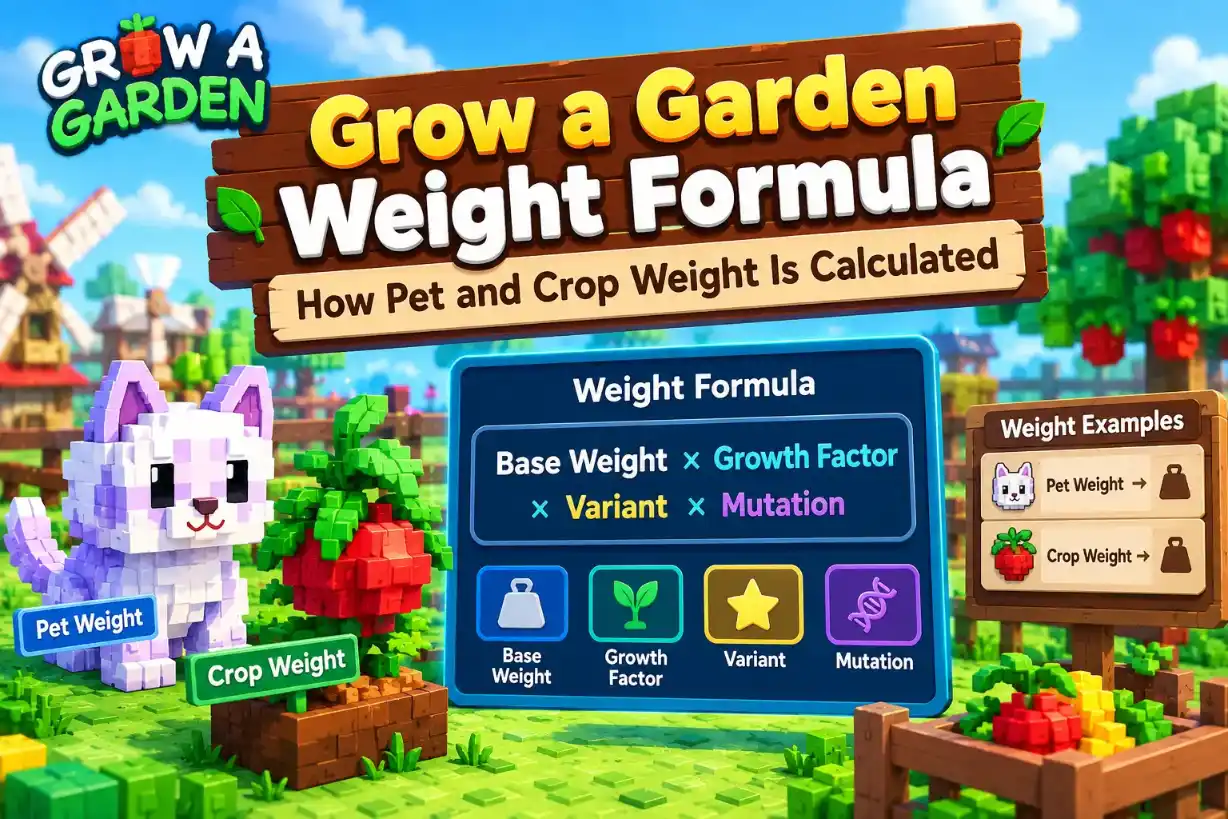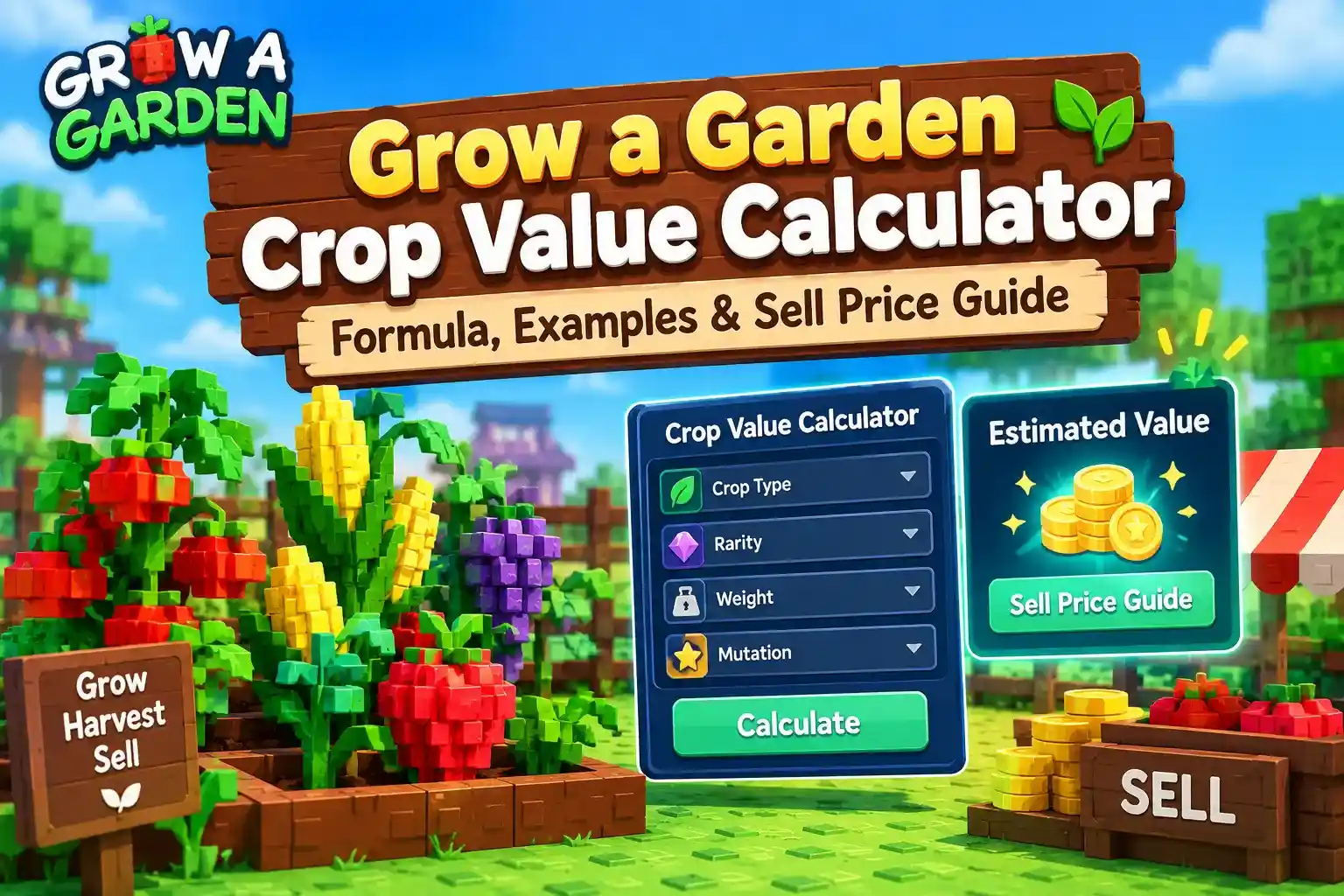
Two crops of the same type can sell for very different amounts in Roblox Grow a Garden. The gap usually comes down to weight, mutations, and boosts. A Grow a Garden crop value calculator does the math for you, but knowing how the number is built helps you spot a bad price before you sell.
This guide shows how the free Grow a Garden calculator turns a crop's weight, mutations, and friend boost into a Sheckle total. You get the formula step by step, worked examples, and the pricing mistakes that cost players the most.
How the Grow a Garden Crop Value Calculator Works
The calculator takes a few details about your harvest and turns them into a Sheckle estimate. You pick the crop, set its stats, and the number updates as you go.
Whether you are checking fruit value, plant value, or the harvest value of a full backpack, the same inputs apply. The tool is free and runs in your browser with no login.
What You Enter
Every input maps to something you can read off your crop in-game. Fill in what you know, and the calculator handles the rest.
Calculator Inputs Explained
- Plant: Select the crop you want to calculate the value for.
- Weight (kg): Enter the crop's weight as shown on the fruit in the game.
- Amount: Enter how many crops of the same type and stats you have.
- Friend Boost: Choose a bonus from 0% to 50%, in 10% increments.
- Mutations: Select all mutations applied to the crop from the modifier list.
Helpful Calculator Features
- Sort mutations: Arrange the mutation list by value or alphabetically to find a specific mutation faster.
- Hide admin mutations: Hide admin-only mutations if you want to focus on mutations normally available in the game.
- Reset or maximize mutations: Clear all selected mutations or select the maximum available mutations with one click to test different scenarios.
What You Get Back
Once the inputs are complete, the calculator shows the crop's total value in Sheckles. It also shows the formula it used, so you can see how the number was built.
- Save any result to a list with the add button to compare crops side by side
- Use the calculation history to review earlier checks
- Copy a result in a trading-ready format to share in a trade chat
- Use the value to weight estimator to work backward from a target value
Treat every result as a close estimate, not a guaranteed sell price. The calculator uses in-game testing and published item data, and it does not use the game's own code.
Crop Value Formula Step by Step
The crop value calculator builds your Sheckle total in layers. Each layer feeds the next, so a small change early on can swing the final number a lot.
How the Crop Value Calculation Works
- Base value and weight: Start with the crop’s base price and adjust it according to its weight.
- Variant: Apply the multiplier for the selected variant, such as Silver, Gold, or Rainbow.
- Mutations: Combine the applicable weather, event, and pet mutation effects.
- Friend boost and amount: Apply the friend boost percentage and multiply the result by the number of crops.
Final value formula:
Final Value = Base Value (Adjusted for Weight) × Variant Multiplier × Mutation Multiplier × Friend Boost Multiplier × Amount
Base Value and Weight
Every crop starts with a base value. Once a crop grows past a certain weight, that value climbs with the square of its weight. Heavy crops are worth far more than light ones.
How Weight Affects Crop Value
- Same weight: The crop keeps its base value at 1x.
- 1.5 times the starting weight: The value increases to 2.25x.
- Double the starting weight: The value increases to 4x.
- Triple the starting weight: The value increases to 9x.
Crop value scales with the square of its weight, before mutations are applied. For example, doubling the weight makes the crop worth four times its original value.
- Weight is the biggest swing factor in the whole formula
- A heavy plain crop can beat a light mutated one
- Always enter the exact weight in kilograms
Mutation Math
Mutations come in two groups, and they follow different rules. Mixing them up is the most common math mistake.
Variants are Silver (5x), Gold (20x), and Rainbow (50x). A crop carries one variant at most, and it multiplies the base value directly.
Other mutations like Wet, Moonlit, and Shocked do not multiply each other. Each one adds only its bonus above 1x:
Mutation part = 1 + sum of mutation values - number of mutations
How Mutation Multipliers Affect Crop Value
- Wet (2x) + Moonlit (2x): 1+4-2=3x
- Shocked (100x) + Wet (2x): 1+102-2=101x
- Shocked (100x) alone: 1+100-1=100x
These examples show that mutation multipliers do not always combine through simple multiplication.
- Plain multiplication would give 4x for Wet and Moonlit, but the real number is 3x
- When two mutations fuse into a new one, like Wet and Chilled into Frozen (10x), use the new mutation instead of the two parts
- Some pets add mutations too, and these count the same way as weather mutations. Our pet ability calculator guide explains which abilities do this
Friend Boost and Amount
Friend boost adds a percentage bonus on top of the crop's value. The calculator lets you pick 0% to 50% in 10% steps. A 20% boost multiplies the total by 1.2.
Amount multiplies the result by the number of identical crops you are pricing.
- 10% boost means ×1.1, and 50% boost means ×1.5
- Five identical crops means ×5
- Crops with different weights or mutations need separate entries, since each has its own value
Worked Crop Value Examples
These examples use a made-up sample crop so the math stays easy to follow. It has a base value of 100 Sheckles and a base weight of 1 kg. Real crops have different numbers, but the steps are the same.
Plain Crop
A crop with no variant and no mutations only needs the weight step. Grow it to 2 kg and the weight doubles, so the value quadruples.
Example: Calculating Crop Value by Weight
- Base value: 100 Sheckles
- Weight: At 2 kg, the crop is worth 1004=400 Sheckles because its weight is double the base weight.
- Variant and mutations: None applied, so the value remains 400 Sheckles.
Final value: 400 Sheckles
At 3 kg, the same crop would be worth 900 Sheckles, assuming the base weight is 1 kg and no other bonuses or multipliers apply.
Mutated Crop
Now take the same 2 kg crop and give it a Gold variant and the Wet mutation. Wet is the only non-variant mutation, so the mutation part is 1 + 2 - 1 = 2.
Example: Applying a Variant and Mutation
- Value after weight: 400 Sheckles.
- Gold variant: 40020=8,000 Sheckles.
- Wet mutation: 8,0002=16,000 Sheckles.
Final value: 16,000 Sheckles.
The same crop without mutations or a variant sells for 400 Sheckles.
Stacked Mutations
Here is a bigger case: a 2 kg crop with a Rainbow variant, Shocked and Wet mutations, a 20% friend boost, and 3 identical crops.
Example: Calculating the Final Value with Multiple Bonuses
- Value after weight: 400 Sheckles.
- Rainbow variant: 40050=20,000 Sheckles.
- Mutation multiplier: 20,000101=2,020,000 Sheckles.
- Friend boost (20%): 2,020,0001.2=2,424,000 Sheckles.
- Amount (3 crops): 2,424,0003=7,272,000 Sheckles.
Final value: 7,272,000 Sheckles.
- Multiplying Shocked and Wet together would give 200x instead of 101x
- That mistake would show 4,000,000 before the boost and amount, almost double the real number
- Run your own numbers through the Grow a Garden crop value calculator to check each step
These figures come from a sample crop, so they will not match a real harvest. For real base values, check the Grow a Garden value list and enter your crop's actual weight and mutations.
Working Backward From a Target Value
Sometimes you know the price you want and need to know the weight to get there. Working backward tells you whether a crop is worth growing bigger or selling now.
The examples use the same sample crop: 100 Sheckles base value and a 1 kg base weight.
Value to Weight Estimator
The calculator has a value to weight estimator for this exact job. Enter a target value and it shows the weight a crop needs to reach it.
You can also do the math by hand. Divide out every multiplier, then take the square root.
How to Calculate the Weight Needed for a Target Value
- Target value: 8,000 Sheckles.
- Remove the Gold variant: 8,00020=400.
- Divide by the base value: 400100=4.
- Calculate the square root: 4=2.
- Find the required weight: 21kg=2kg.
Result: The crop needs to weigh 2 kg to reach 8,000 Sheckles with the Gold variant, assuming a base value of 100 Sheckles at 1 kg and no other bonuses or mutations.
- A plain crop needs 3 kg to reach 900 Sheckles because 9=3.
- Adding mutations can reduce the weight needed to reach the same target value.
- Check the result in the calculator before relying on the estimate.
When to Wait for More Weight
Value grows faster than weight, so a small gain in kilograms pays off more than it looks. Use this table to see what extra weight is worth.
How Extra Weight Affects Crop Value
- 10% extra weight: 21% extra value.
- 25% extra weight: 56% extra value.
- 50% extra weight: 125% extra value.
- 100% extra weight: 300% extra value.
Should You Wait or Sell?
- Wait: If the crop is still growing and could gain significant weight, waiting may increase its value more than its weight.
- Sell: If the expected value increase is small and you need Sheckles now, selling may make more sense.
- Compare both options: Enter the crop’s current weight and expected future weight into the calculator, then compare the estimated values before deciding.
Common Crop Value Mistakes
Most wrong prices come from small input errors, not bad math. Three mistakes cost players the most Sheckles.
Missing a Mutation
Leaving out one mutation can change the total by a huge amount. Check the crop in-game and list everything it carries before you press calculate.
Crop Value Examples with Gold and Mutations
For a crop weighing 2 kg with a value of 400 Sheckles before variants and mutations:
- Gold only: 400 × 20 = 8,000 Sheckles.
- Gold + Wet: 8,000 × 2 = 16,000 Sheckles.
- Gold + Shocked: 8,000 × 100 = 800,000 Sheckles.
- Check for a variant first, then every weather and pet mutation
- Use the 1 + sum - count rule, not plain multiplication, when you add mutations
- Skip one mutation and you could sell the crop for far less than it is worth
Rounding Weight
Weight is squared, so rounding errors grow fast. A crop that weighs 2.4 kg is not a 2 kg crop.
Exact weight (2.4 kg)
- Weight entered: 2.4 kg
- Value without mutations: 576
- Value with Gold mutation: 11,520
Rounded weight (2 kg)
- Weight entered: 2 kg
- Value without mutations: 400
- Value with Gold mutation: 8,000
Rounding down by 0.4 kg cost 3,520 Sheckles on the Gold crop.
- Enter the exact weight shown in-game, including decimals
- Never round down before a trade or sale
- The same rule applies when you compare two crops, so use exact numbers for both
Using Old Numbers
Game updates change base values, add mutations, and adjust multipliers. A Grow a Garden crop value calculator only stays accurate if its data matches the current game.
- Recheck any saved result from before the last update
- Treat copied lists and old screenshots as outdated until you confirm them
- Look for a recent update date before you trust a number on any site
Grow a Garden Crop Value Questions Answered
What is the Grow a Garden crop value calculator?
It is a free tool that turns a crop's weight, variant, mutations, friend boost, and amount into a Sheckle estimate. You can check a price before you sell or trade.
How do you work out crop worth in Grow a Garden?
Start with the base value and scale it by weight. Then apply the variant, add the mutation part, and finish with friend boost and amount.
How much does weight affect crop value?
A lot, because value grows with the square of weight. Double the weight and the value quadruples, and triple the weight gives nine times the value.
Do mutations stack in Grow a Garden?
Yes, but not by plain multiplication. A variant multiplies the base value, while other mutations combine with 1 + sum - count. Wet and Moonlit together give 3x, not 4x.
How does friend boost change a crop's sell price?
It adds a percentage on top of the total. The calculator offers 0% to 50% in 10% steps, so a 20% boost multiplies the value by 1.2.
Can I find the weight a crop needs to reach a target value?
Yes, use the value to weight estimator in the calculator. You can also divide out the variant and base value, then take the square root to get the weight multiplier.
How accurate is the crop value calculator?
Treat results as close estimates, not guaranteed sell prices. The calculator uses in-game testing and published item data, so recheck your numbers after each game update.
Conclusion
A crop's price comes from four things: weight, variant, mutations, and friend boost. Weight carries the most power because it is squared. Mutations follow their own 1 + sum - count rule instead of plain multiplication.
Before you sell or trade your next harvest, run the exact weight and every mutation through the free crop value calculator on our homepage. It takes a few seconds and shows the real Sheckle total, so you never sell a heavy or mutated crop for less than it is worth.